

Overview
-
A hold prevents students from accessing a university service such as registration or access to transcripts. An action is required by the student to have the hold released. Many OSU departments, including the Office of the Registrar, are able to apply a hold on certain services.
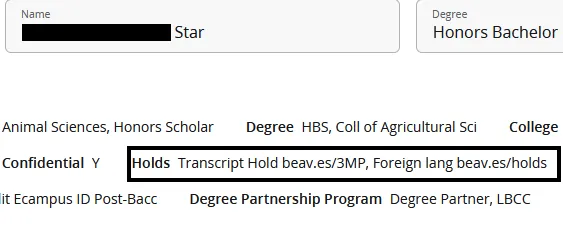
Tip: Copy the beav.es/holds or beav.es/3MP quick link from the hold description into your browser, and it will take you to the website that tells you about that student hold.
View holds in MyDegrees
If you log into MyDegrees, you can see any holds listed in your student information at the top, underneath your name and degree.
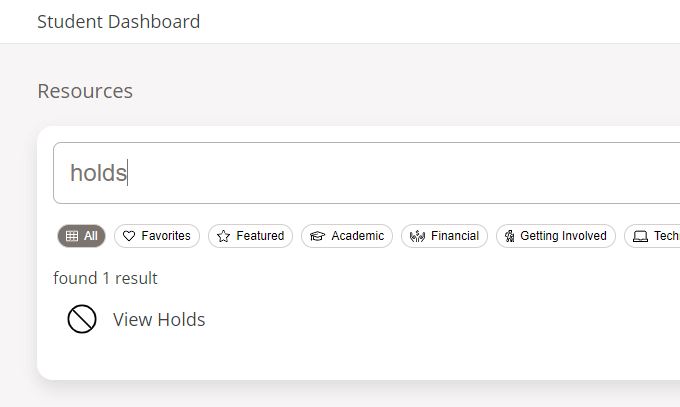
This will take you to the Online Services holds screen. Currently, this provides you with the most information about your holds, including the hold type and reason, the effective start and end date, the amount (if you owe money), the office that places and clears the hold, and what the hold affects. Copy the beav.es quicklink into your browser, and it will take you to the website that tells you about that student hold.

Visit the Holds @ OSU page to see all university holds and the steps to have them lifted.